Setting Up New Projects
Note: We are currently using Blank project Creation. The "Forking From Common Library" section is outdated and was used in previous years.
- Open WPILib.
- Click on the WPILib icon (top right side of the screen) to open the search bar
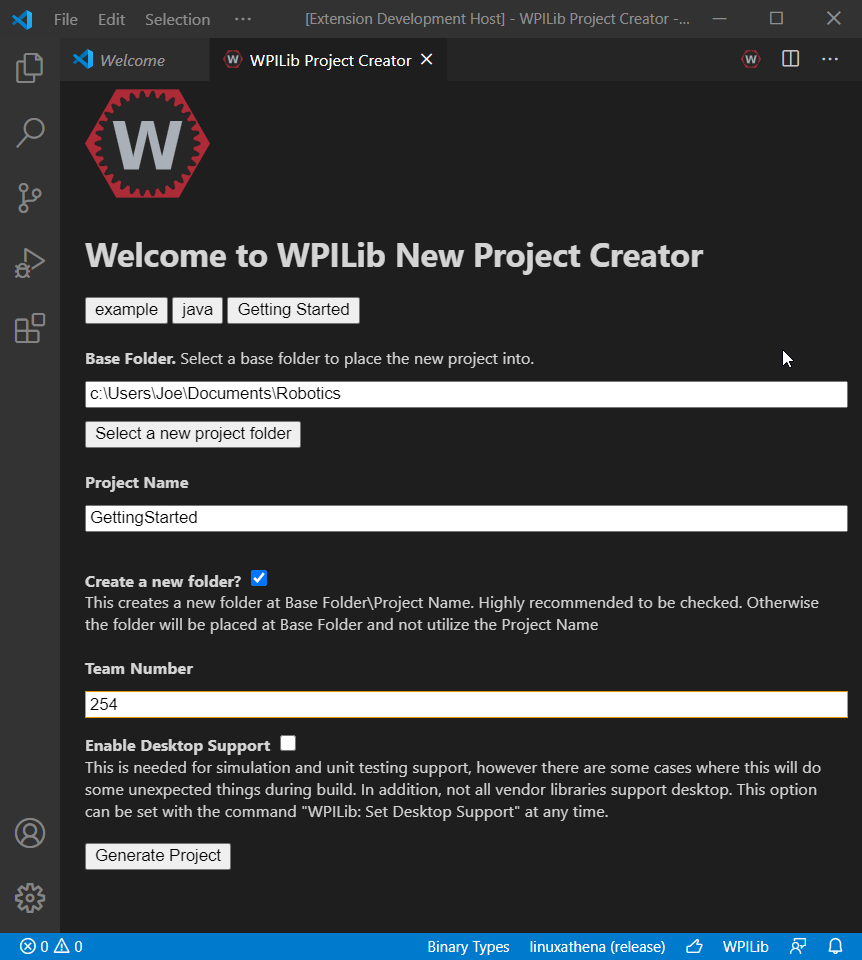
- search for "create a new project" and select the result to open the new project screen
- Select template, then java for the language, then "Command Robot"
- select a base folder (where the project will live on your computer), and name the project
- put in "4026" as the team number
- Click "Generate Project" and open it in a new window
Once you’ve created the new project, use the WPILib Vendor Dependencies management tab in WPILib (the bottom side button below version control), to add in all vendordeps listed in the
vendordeps page. For any vendordeps that aren't in the manager, you will need to search for them online. Always be sure to install the LATEST version of these.
Then, copy the following files from here into the src/main/java/frc/robot folder. Just download them and drop them into your project folder
- ITeamTalon.java
- LogitechControllerButtons.java
- PidParameters.java
- Scalar.java
- TeamUtils.java
- TeamSparkMAX.java
- TeamTalonFX.java
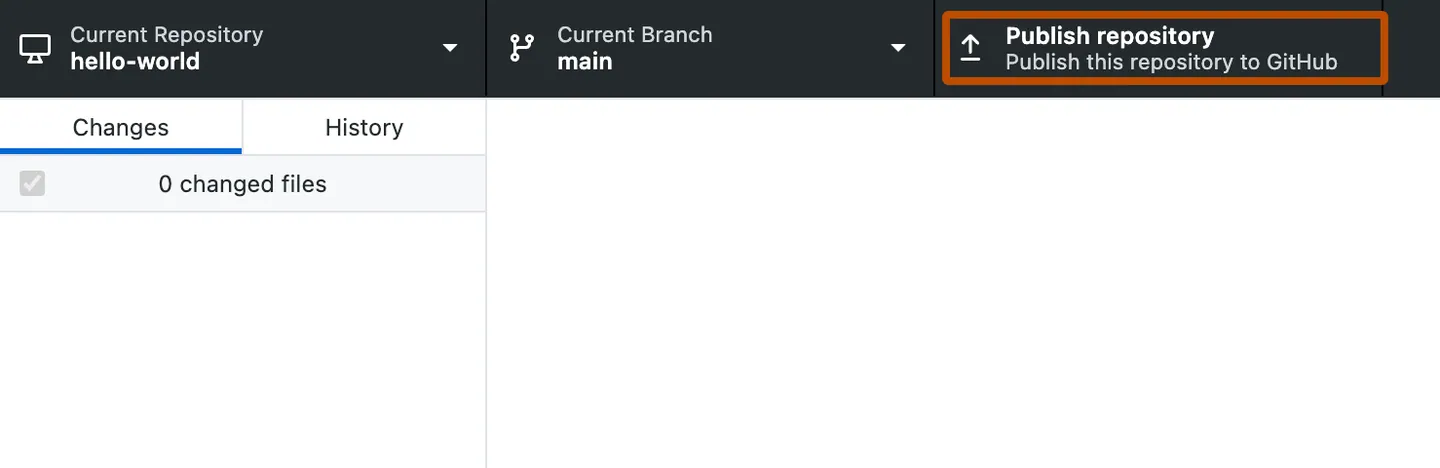
Once you’ve copied over the files, publish the project to GitHub (in the version control tab) from GitHub Desktop. Make sure to select Global Dynamics as the owning organization. Add a Dev branch based on the main branch. Then have the other team members clone the repository.
Previously, making a new project involved making an empty template, copying several files from older projects, and asking veterans for a lot of help. With the Common Library, we hope to resolve these issues by streamlining the process as much as possible.
To make a new project with Common Lib, fork the Common Library repository by clicking "make a new fork" under the dropdown menu.
- Set the owner to "Decatur-High-GlobalDynamics"
- The name depends on what this repo is for, for competition robots stick to the naming scheme "FRC-[year]-Team-4026"
- select the "Copy the main branch only" option. You don't need other branches in your new project
- clone the repo to your computer to start development
Once the repo is open in WPILib, refer to the [PUTLINKHERE] Common Lib Guide to see what modules you need to copy, or other adjustments made specifically for your project.
All necessary files should be present in the project, since you forked off the master repo with all of them. If you seem to be missing an import, check your vendor libraries and the files in the "core" folder. You should have the following:
- ITeamTalon.java
- PidParameters.java
- Scalar.java
- TeamSparkMAX.java
- TeamTalonFX.java
- TeamUtils.java