
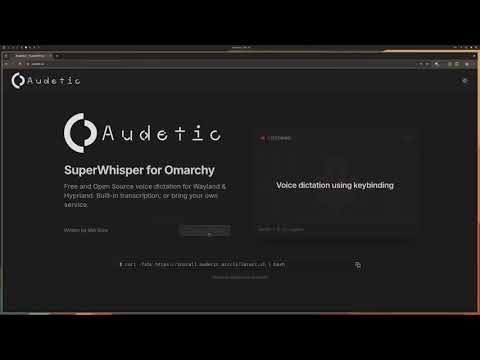
- View Documentation - Detailed guides and configuration
Audetic ships pre-built, signed binaries.
curl -fsSL https://install.audetic.ai/cli/latest.sh | bashAfter installation:
- Confirm the service:
audetic- streams the logs - Add a keybind in Hyprland (or your compositor):
bindd = SUPER, R, Audetic, exec, curl -X POST http://127.0.0.1:3737/toggle - Press the keybind to start/stop recording!
Default config at ~/.config/audetic/config.toml. See Configuration Guide for details.
Audetic ships an interactive helper so you can switch transcription providers without editing TOML by hand:
audetic provider show        # inspect current provider (secrets masked)
audetic provider configure   # interactive wizard (requires a TTY)
audetic provider test        # validate the stored provider
Transcribe audio or video files using the audetic cloud transcription service:
# Basic transcription (output to stdout)
audetic transcribe recording.mp4

# Specify language and output file
audetic transcribe meeting.mkv -l en -o meeting.txt

# JSON output with timestamps
audetic transcribe podcast.mp3 -f json --timestamps -o podcast.json

# SRT subtitle format
audetic transcribe video.mp4 -f srt -o subtitles.srt

# Copy result to clipboard
audetic transcribe voice-memo.m4a --copy

# Use custom API endpoint
audetic transcribe audio.wav --api-url http://localhost:3141/api/v1/jobs
Supported formats:
- Audio: wav, mp3, m4a, flac, ogg, opus
- Video: mp4, mkv, webm, avi, mov
Files are automatically compressed to MP3 before upload for efficient transfer.
Files already in MP3 or Opus format are sent as-is. Use --no-compress to skip.
Options:
-l, --language <LANG>- Language code (e.g., 'en', 'es', or 'auto' for detection)-o, --output <FILE>- Write transcription to file (default: stdout)-f, --format <FORMAT>- Output format: text (default), json, srt--timestamps- Include timestamps in text output--no-progress- Disable progress indicator-c, --copy- Copy result to clipboard--no-compress- Skip compression (send file in original format)--api-url <URL>- Override transcription API URL
Audetic includes an auto-updater plus manual controls:
audetic updatecurl -fsSL https://install.audetic.ai/cli/uninstall.sh | bashUse --dry-run to preview, or --keep-database to preserve transcription history. See Installation Guide for all options.
MIT