
Instantly try npm modules in REPL environment.
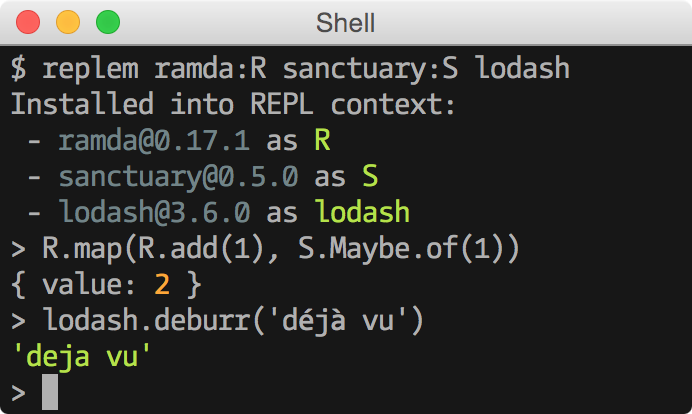
- Install modules from npm, optionally at specific version.
- Install modules directly from GitHub at particular commit or branch.
- Use a custom REPL like
coffee-script/repl. - Retains history of past sessions.
$ npm install -g replemreplem [options] [<pkg>[:<alias>]]...
--repl require a custom repl
-v, --verbose enable verbose output
-h, --help displays help
Launches a REPL session with specified packages installed and available in the context.
Uses npm install internally, so
similar types of arguments are accepted.
For example:
- Install a specific version:
replem [email protected] - Install a module from GitHub:
replem githubname/reponame#commit
By postfixing module's name with :<alias> you can set an alias for a
module. Module's exports will be available under this name.
$ replem ramda:R
Installed into REPL context:
 - [email protected] as R
> R.inc(1) // 2
With a bang (!) after everything, all module's properties will be directly
available in context:
$ replem ramda!
Installed into REPL context:
 - [email protected] as ramda
> reduce === ramda.reduce
trueTo use a custom repl, install it to ~/.replem/node_modules first:
$ npm install --prefix ~/.replem coffee-script
$ replem --repl coffee-script/repl lodash
> (n * 2 for n in [0..5])
Array [ 0, 2, 4, 6, 8, 10 ]The REPL context is provided with the function replem.require() that can be
used to require from under ~/.replem/node_modules.
- Multiple versions of the same module cannot be used concurrently.