


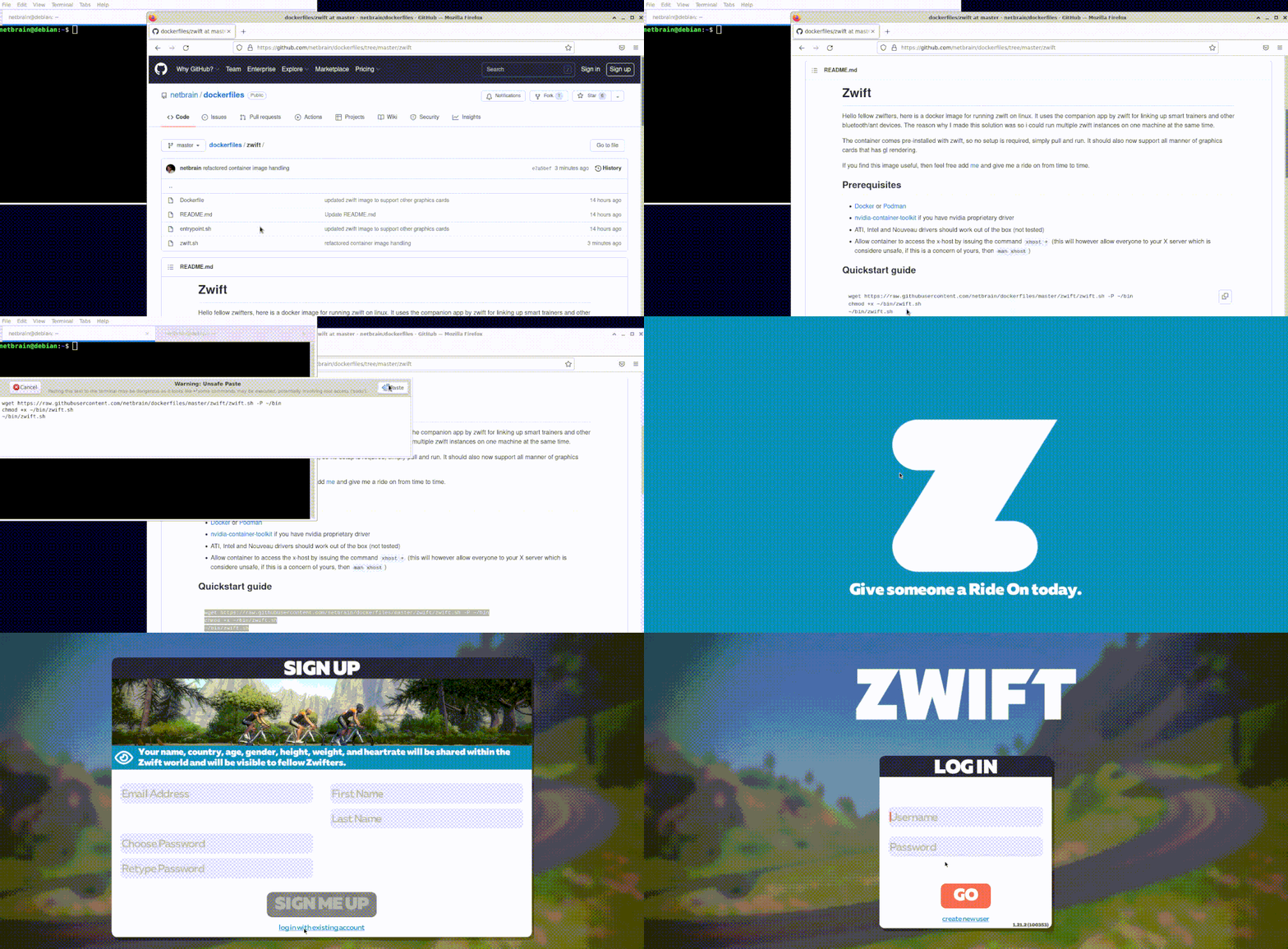
Hello fellow zwifters, here is a docker image for running zwift on linux. It uses the companion app by zwift for linking up smart trainers and other bluetooth devices (ant devices are not supported via the companion app). The reason why I made this solution was so I could run multiple zwift instances on one machine at the same time.
The container comes pre-installed with zwift, so no setup is required, simply pull and run. It should also now support all manner of graphics cards that have gl rendering.
If you find this image useful, then feel free to add me on zwift and give me a ride on from time to time.
- Docker or Podman
- nvidia-container-toolkit if you have nvidia proprietary driver
- ATI, Intel and Nouveau drivers should work out of the box
sudo bash -c "$(curl -fsSL https://raw.githubusercontent.com/netbrain/zwift/master/bin/install.sh)"This will put the zwift.sh script on your $PATH and add a desktop icon to /usr/local/share/applications.
NOTE: Icon may not show until logging off and back in.
After installation, simply run:
zwiftFor configuration options, troubleshooting, and advanced usage, see the full documentation.
These are our really cool sponsors!











Thanks go to these wonderful people:
If you would like to contribute, then please by all means I'll accept PRs. See the contributing guide for development setup. A good starting point would be to see if there's any open issues that you feel capable of doing.
Check out our Show and tell category in discussions and see how other people are using this solution, feel free to contribute your own tips and tricks 😃
- Install zwift using wine directly or a framework like
lutris. You will however have to manage installation and updates yourself - Use
scrcpyto mirror android device to your linux screen- Enable developer options on your android device
- Pair your computer to the device using
adb pair./srccpy.sh adb pair ip:port(container solution)
- Mirror the android device screen onto your linux screen using
scrcpy../srccpy.sh scrcpy --tcpip=ip:port
- If you require sound as well, there's also a
sndcpyproject (doesn't support wireless though, but the aforementioned can be modified to use usb)
- Using
redroidto install zwift apk onto a android emulator (not tested) - Using a virtual machine with pci passthrough
- https://looking-glass.io/
- https://wiki.archlinux.org/title/PCI_passthrough_via_OVMF
- vGPU-Unlock-patcher - if you have a nvidia card you can eat your
cake, and have it too by creating
vgpusfor vms that leverage the host gpu, no dedicated gpu required