
My Neovim Config (based on Kickstart)
This is basically a customized version of ChrisTitusTech's Neovim config (link), tweaked for my personal workflow and preferences.
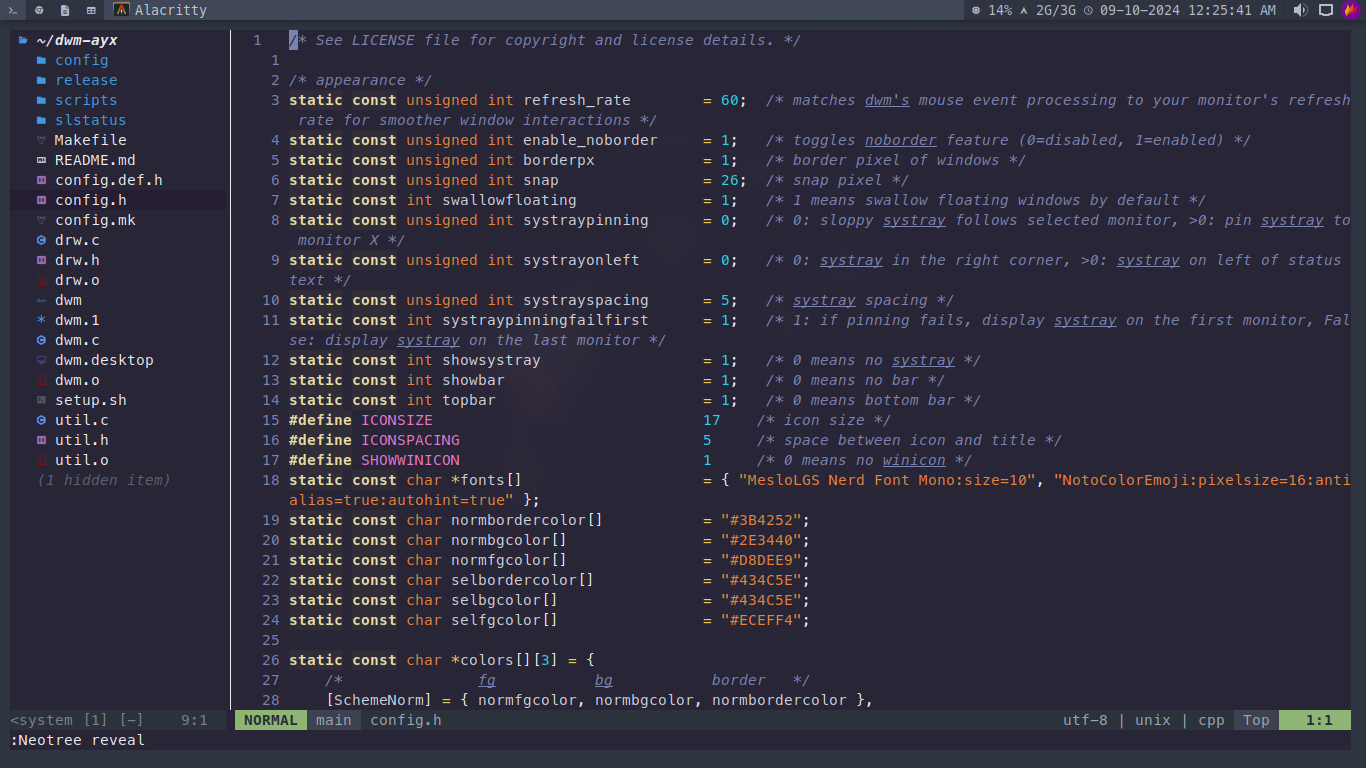
- Preconfigured plugins for a better dev experience
- Kickstart setup for quick and easy installation
- Tuned for speed and a clean look
- Custom keymaps to boost productivity
Clone this repo into your Neovim config folder:
git clone https://github.com/harilvfs/nvim ~/.config/nvim1. Open Neovim
nvim2. Install plugins with Lazy.nvim
:Lazy syncFeel free to tweak anything you like! Most of the settings and plugins live inside the lua/ folder and init.lua.
Here's a quick look at the folder structure:
neovim
├── doc/
│   ├── kickstart.txt
│   └── tags
├── lua/
│   ├── custom/
│   │   └── plugins/
│   │       ├── themes/
│   │       │   ├── nord.lua
│   │       │   └── onedark.lua
│   │       ├── init.lua
│   │       └── neo-tree.lua
│   ├── kickstart/
│   │   └── plugins/
│   │       ├── autoformat.lua
│   │       └── debug.lua
│   └── keymaps.lua
├── init.lua
├── lazy-lock.json
├── LICENSE
├── preview.webp
└── README.md