This repository can be used as a template when making a new Grouparoo Plugin. Learn more @ https://www.grouparoo.com/docs/development/plugins
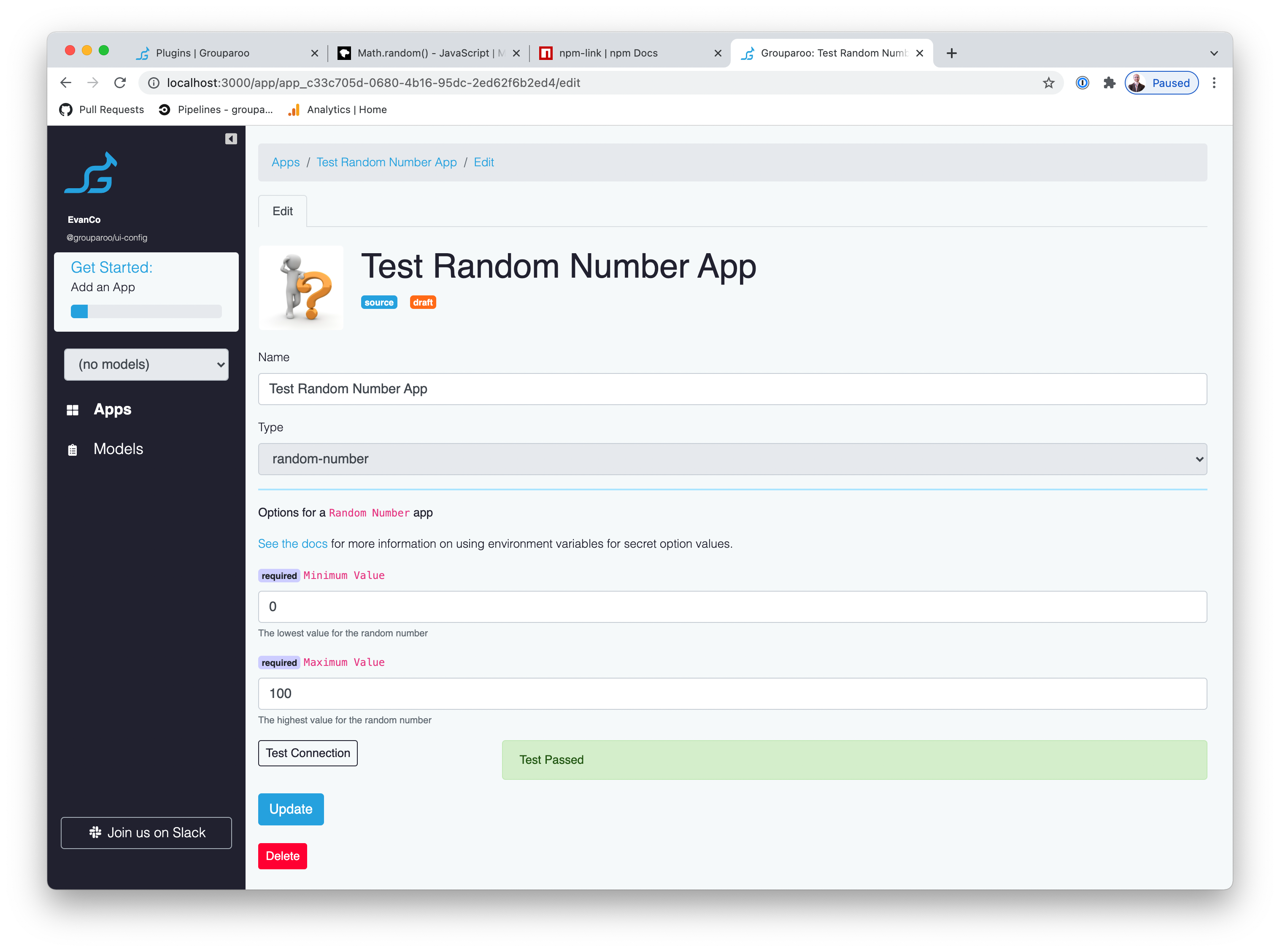
This plugin implements an App & Source called @grouparoo/random-number in which all property values returned will be a random number between the ranges specified.
# Get the repo locally
git clone git@github.com:grouparoo/example-plugin.git
cd example-plugin

# Install dependencies
npm install

# Use `npm pack` to prepare this package for use elsewhere on your development machine
# This will generate a package like /Users/evan/workspace/grouparoo/random-number/grouparoo-random-number-1.0.0.tgz
npm pack

# Create a test Grouparoo project to use the plugin
mkdir /tmp/grouparoo-test && cd /tmp/grouparoo-test # In another folder
grouparoo init .
Now update your package.json in the test project to use this plugin (you cannot use the grouparoo install command to install local packges)
{
  "author": "Your Name <email@example.com>",
  "name": "grouparoo-test",
  "description": "A Grouparoo Deployment",
  "version": "0.0.1",
  "license": "MPL-2.0",
  "private": true,
  "engines": {
    "node": ">=12.0.0 <17.0.0"
  },
  "dependencies": {
    "@grouparoo/core": "0.7.5",
    "@grouparoo/ui-community": "0.7.5",
    "@grouparoo/random-number": "/Users/evan/workspace/grouparoo/random-number/grouparoo-random-number-1.0.0.tgz"
  },
  "devDependencies": {
    "@grouparoo/ui-config": "0.7.5"
  },
  "scripts": {
    "start": "cd node_modules/@grouparoo/core && ./bin/start"
  },
  "grouparoo": {
    "plugins": ["@grouparoo/random-number"]
  }
}
Then npm install to include you packaged-up plugin.
Finally you can start the grouparoo application with grouparoo config or grouparoo start.
As you make changes you will likely need to run the following in the plugin:
npm packand then the re-install the plugin from the pack in the test project:
npm instal --force- Make sure that all your versions of
@grouparoo/coreandactionheromatch exactly. Do not use floating semver ranges like^or~in yourpackage.json. - The
initializersfolder is special - do not put any file there that does not export an Actionhero Initializer. - Be sure that your plugin name and the name of the package.json match
- Note that there is both a
.gitignoreand.npmignorethat are different - NPM wants to include hte/distfolder
Icon from https://pixabay.com/illustrations/question-question-mark-response-1015308