Hype is a brazen two-column Zola based on the Jekyll theme of the same name that pairs a prominent sidebar with uncomplicated content.
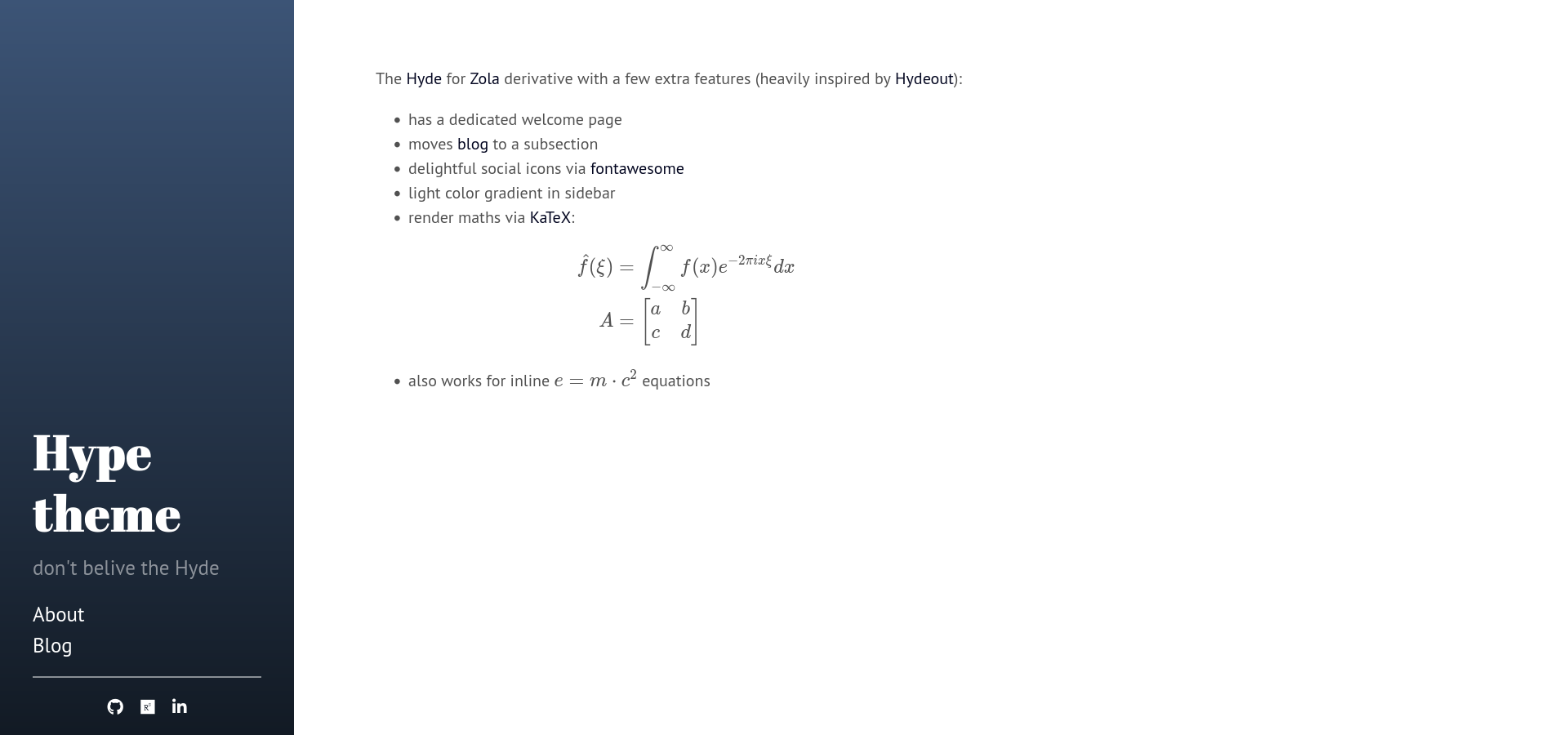
First download this theme to your themes directory:
cd themes
git clone https://github.com/etrommer/hype.git
and then enable it in your config.toml:
theme = "hype"Set a field in extra with a key of hyde_links:
[extra]
hyde_links = [
    {url = "https://google.com", name = "Google.com"},
    {url = "https://google.fr", name = "Google.fr"},
]
Each link needs to have a url and a name.
Social icons are generated using FontAwesome. To add them, add a field with a key of hyde_social_links. Set the set and name of the icon that you want to be displayed:
[extra]
hyde_social_links = [
   {url = "https://www.github.com/etrommer/hype", set="brands", name = "github"},
   {url = "https://www.researchgate.net", set="brands", name="researchgate"},
   {url = "https://www.linkedin.com", set="brands", name="linkedin-in"},
]For multi-line maths, the {% katex() %} shortcode is provided:
{% katex() %}
e = m \cdot c^2
{% end %}
For inline equations, use the KaTeX default delimiters \\( <LaTeX Code> \\) (note that you have to escape the backslash characters in Markdown).
By default Hyde ships with a sidebar that affixes it's content to the bottom of the sidebar. You can optionally disable this by setting hyde_sticky to false in your config.toml.
Hyde ships with eight optional themes based on the base16 color scheme. Apply a theme to change the color scheme (mostly applies to sidebar and links).

There are eight themes available at this time.

To use a theme, set the hyde_theme field in config.toml to any of the themes name:
[extra]
hyde_theme = "theme-base-08"
To create your own theme, look to the Themes section of included CSS file. Copy any existing theme (they're only a few lines of CSS), rename it, and change the provided colors.


Hyde's page orientation can be reversed by setting hyde_reverse to true in the config.toml.