Import and sync IMDb lists to TMDB
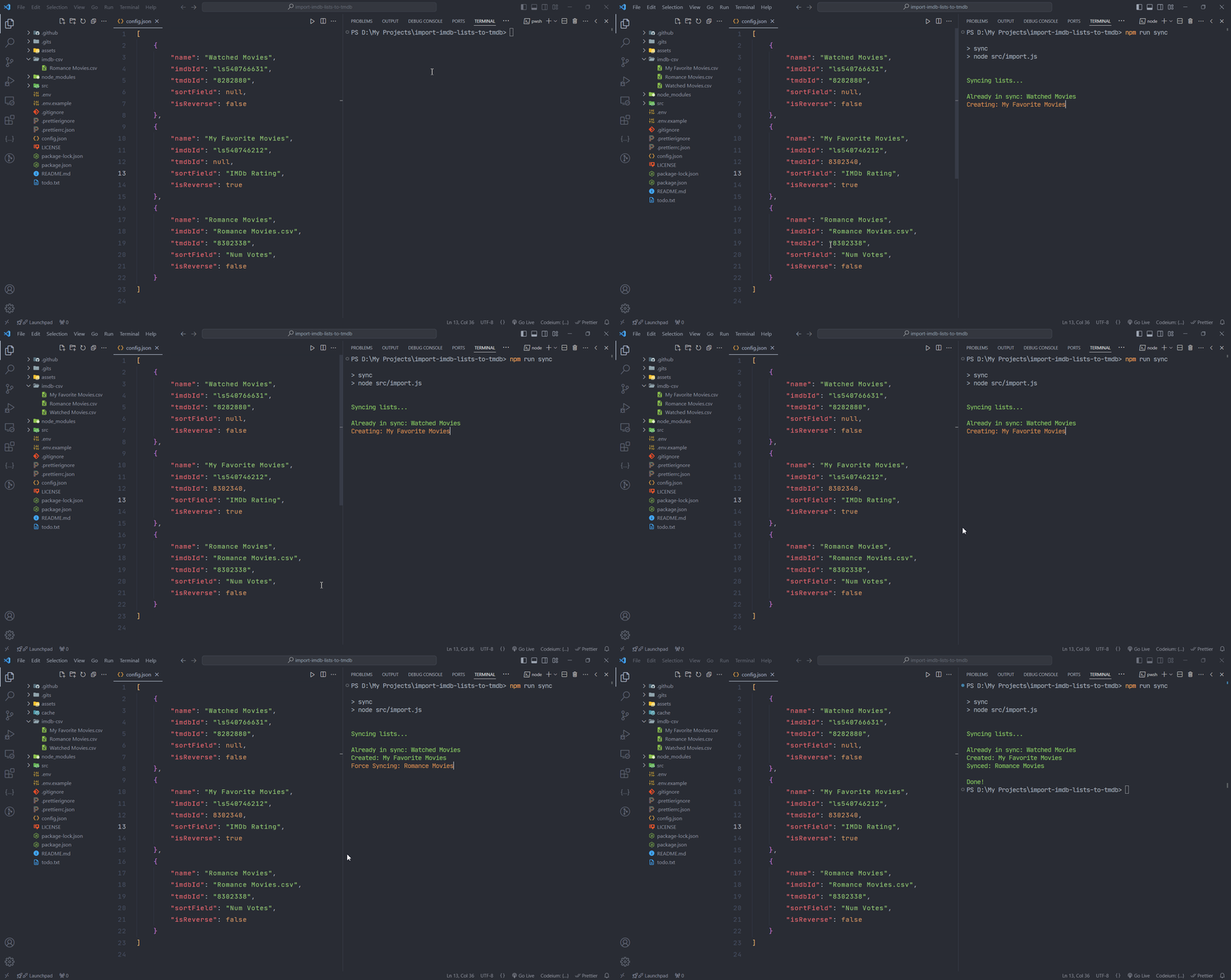
-
Make sure you have Node.js v18+ installed. You can use Bun.js too.
-
Open a terminal inside
import-imdb-lists-to-tmdbfolder and runnpm install. -
Create a TMDB API application.
-
Generate your WRITE access token
- Copy the API Read Access Token from step 4 and paste it into the input here
- Click "Get Request Token"
- Click "Approve Token" (this will open a new tab where you will click Approve)
- Click "Get Access Token"
-
Rename the file
.env.exampleto.envand replace the placeholders with your api key from your TMDB API application and WRITE access token generated in step 5.
To Import/Sync your IMDb lists to TMDB, all you have to do is configure the config.json file and follow the usage instruction.
If you want to import to a new TMDB list, Open the config.json file and specify the IMDb list's ID in the imdbId field or if you have the list as a CSV, then just put the file name in the imdbId field with .csv extension. Set the tmdbId field to null to create a new TMDB list, and provide a name for the new list in the name field.
{
    "name": "Watched Movies",
    "imdbId": "ls540766631", // or "my-list.csv"
    "tmdbId": null, // when ID is null it will be imported
    "sortField": null,
    "isReverse": false
}If you already have a TMDB list that's just out of sync, follow the same procedure. However, instead of assigning null to the tmdbId field, assign the TMDB list's ID to the tmdbId field.
{
    "name": "Watched Movies",
    "imdbId": "ls540766631",
    "tmdbId": "8282880", // when ID is not null it will be synced
    "sortField": null,
    "isReverse": false
}If your list is private, you can't simply put the IMDb list's ID in the imdbId field due to permission issues. You can overcome this with these two methods:
Just export the private IMDb lists as CSV and put them inside imdb-csv folder and specify the file name in imdbId with .csv extension.
{
    "name": "Watched Movies",
    "imdbId": "Watched Movies.csv", // exported csv file name
    "tmdbId": "8282880",
    "sortField": null,
    "isReverse": false
}Make sure you are logged in to IMDb on chrome. Then go to chrome://version, copy your Profile Path and paste it next to CHROME_USER_DATA_PATH in .env file. So this script can access your IMDb account.
// It should look like this
CHROME_USER_DATA_PATH=C:/Users/username/AppData/Local/Google/Chrome/User DataYou can sort the IMDb list and then import it to TMDB by specifying a valid field name in the sortField.
valid field names are:
Position | Created | Modified | Title | Title Type | IMDb Rating | Runtime (mins) | Year | Num Votes | Release Date | Directors | Your Rating | Date Rated
Note: numbers fields are sorted in descending order and strings are sorted in ascending order. You can reverse them by making isReverse as true.
Run this command inside import-imdb-lists-to-tmdb folder to import/sync your lists specified in config.json.
npm run syncTo force sync your list (clears all titles inside your TMDB list and imports them freshly)
npm run force-sync