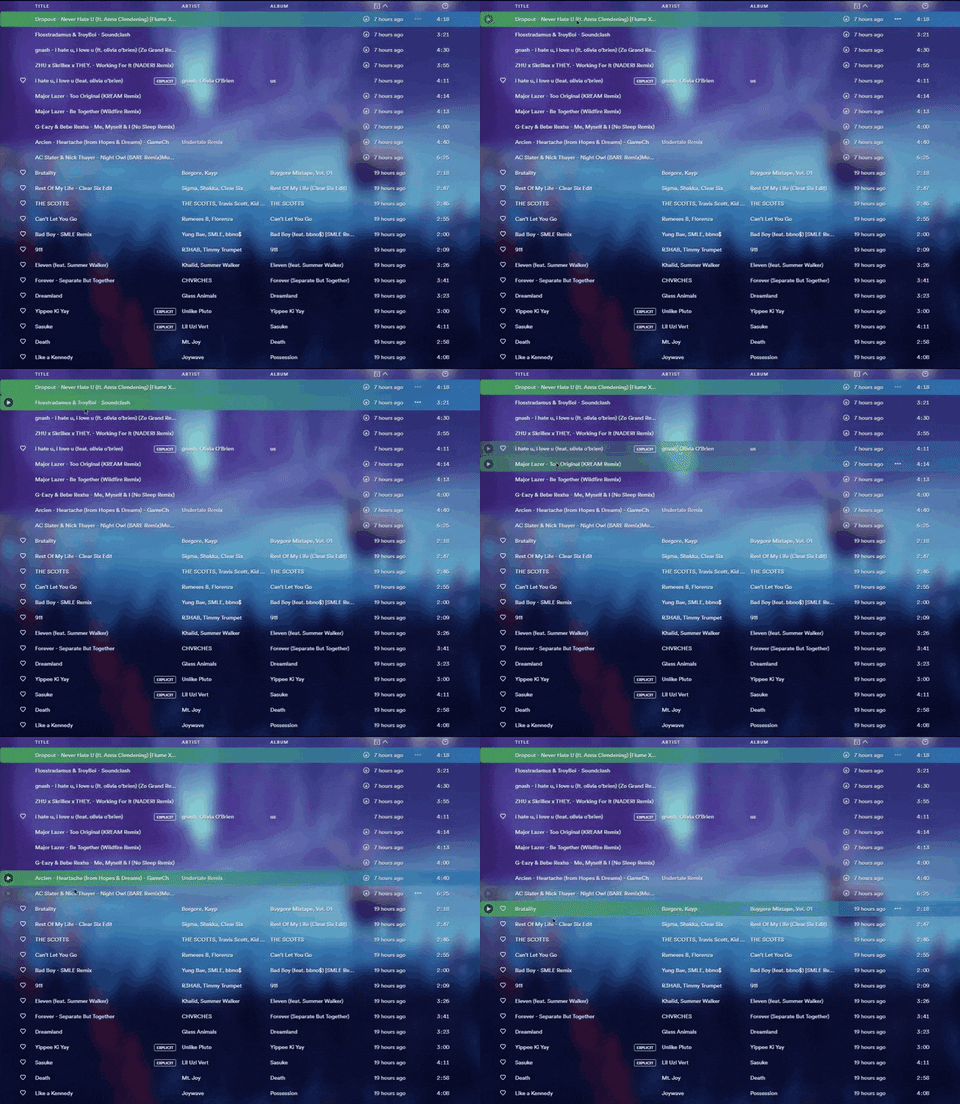
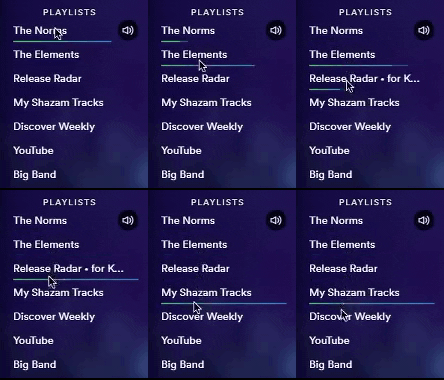
Historical project — unmaintained. Frostify is a substantially customized fork of gwennlbh/Frostify, retained for its 2020 release and implementation history. The native GitHub fork relationship preserves upstream attribution.
Frostify provides transparent/frosted desktop styling for Spicetify. This fork packaged a historical GitHub release whose asset downloads total 3,350+; this is a release-asset count, not a count of unique users.
This project is not actively maintained. Installation notes below are retained for historical reference and may not work with current Spotify or Spicetify versions.
Props to u/ongoodvxbes for this
-
Use this guide to install Spicetify (thanks u/BenjaminBE4)
-
If you followed the guide correctly, you should now have 2 folders at
C:/Users/%USERNAME%/(.spicetify&spicetify-cli) -
Download Frostify
-
Unzip then change
Frostify-MastertoFrostify -
Copy
Frostifyfolder toC:/Users/%USERNAME%/.spicetify/Themes -
WIN+R then type
Powershell -
Run
spicetify config replace_colors 0 current_theme Frostify -
Run
Spicetify backup apply -
Open the config file
C:/Users/%USERNAME%/.spicetify/config -
Change
inject_cssto1 -
Restart Spotify
Also Remember To Play A Song Every Fresh Boot of Spotify In Order to Fully Load The Theme.
If you edit the css make sure to run Spicetify Update Apply to both build the css and apply
To update:
- Open a terminal in the folder location and then just
git pull - Then Run Spicetify Update Apply
- If for some reason this fails, just re-install
- If you have a file you want to use upload it to imgur and make sure the link you use is to the file(has a .jpg or .png at the end of the link)
- Go to
background-image: url - In the parenthesis between the apostraphes Insert the link and run
spictify update backup apply
Fork Primary Bugs: Downloads widget not colored with the theme Connected Devices below other text and not themed
Contact me on Reddit u/PlasmusAng, Here, or on discord Ramlord