Duke Scheduler is a useful tool for keeping track of todos, events and deadlines, making scheduling easy, never get late anymore!
- Adding a task
- Listing all tasks
- Finding task based on keyword
- Finding task based on date
- Cloning a task
- Marking a task as completed
- Marking a task as uncompleted
- Deleting a task
- Exiting the program
Adds a todo, event or deadline task to the scheduler.
To add a todo:
todo description

To add a deadline:
deadline description / YYYY-MM-DD

To add an event:
event description / YYYY-MM-DD
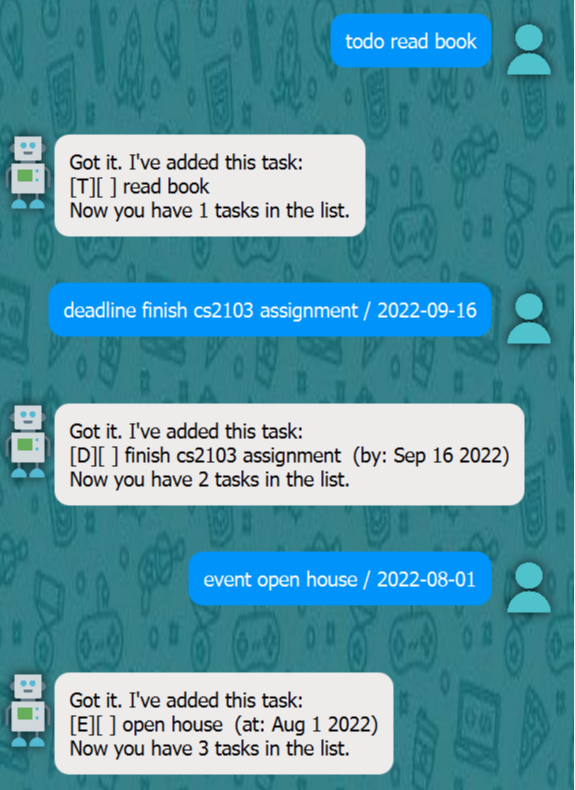
todo read book Assignment
deadline finsih cs2103 assignment / 2022-09-16
event open house / 2022-08-01
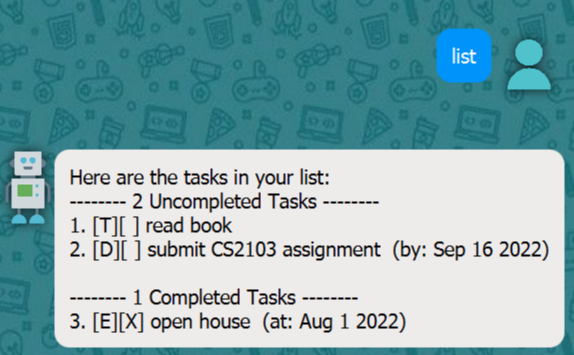
Shows all the tasks by completed and uncompleted status.
list
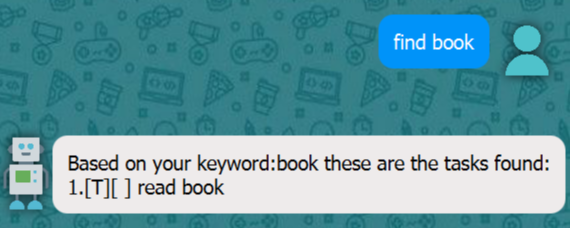
Finds all the tasks matching the given keyword.
find keyword
find book
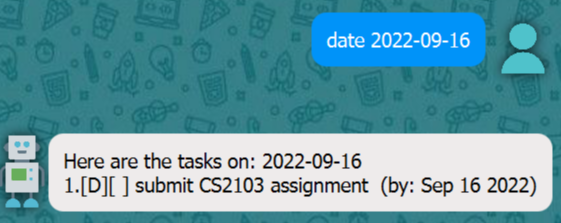
Finds all the tasks fall on the same date.
date YYYY-MM-DD
date 2022-09-16
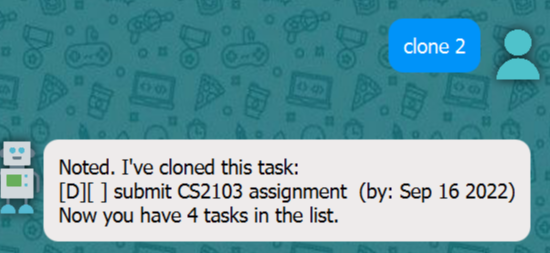
Clones an existing task using the task index, this provides an easy way to add a new task without having to type all the similar information again.
clone INDEX
clone 2
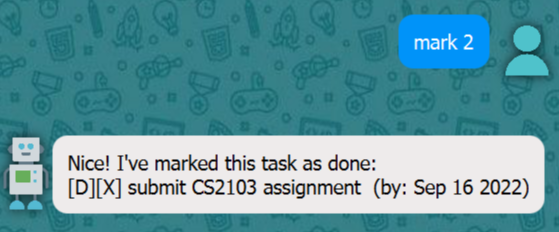
Marks a task as completed.
mark INDEX
mark 2
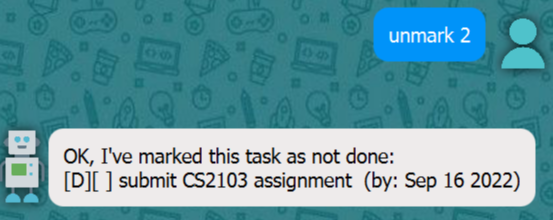
Marks a task as uncompleted.
unmark INDEX
unmark 2
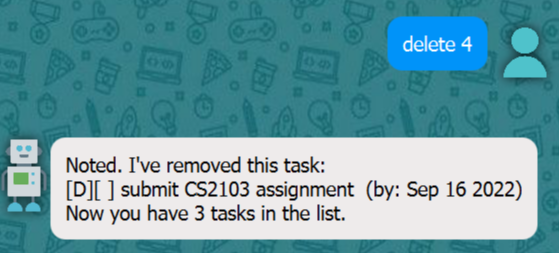
Deletes a task from the scheduler.
delete INDEX
delete 4
Exits the program.
bye

The program will automatically save the task data, so no need to worry about data lost.