


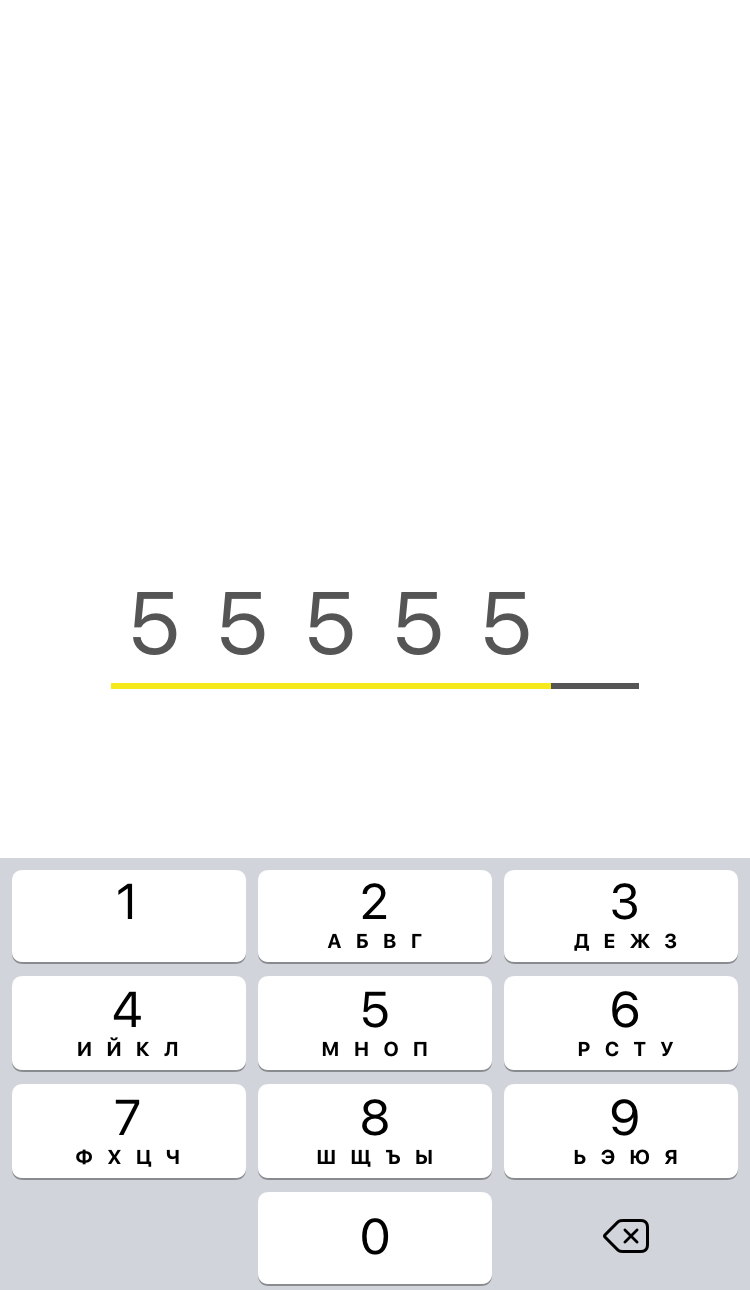
iOS >= 10
- Create view:
AMCodeView *view = [[AMCodeView alloc] init];- Configure it:
AMCodeViewConfiguration *config = [AMCodeViewConfiguration defaultConfig];
config.isUnderlineFilled = YES;
[view configure:config];- Start responder:
AMCodeViewResponder *responder = [[AMCodeViewResponder alloc] initWithConfig:config viewResponsible:view];
responder.delegate = self;AMCodeView is available through CocoaPods. To install it, simply add the following line to your Podfile:
pod 'AMCodeView'Davarg, maka-dava@yandex.ru
AMCodeView is available under the MIT license. See the LICENSE file for more info.