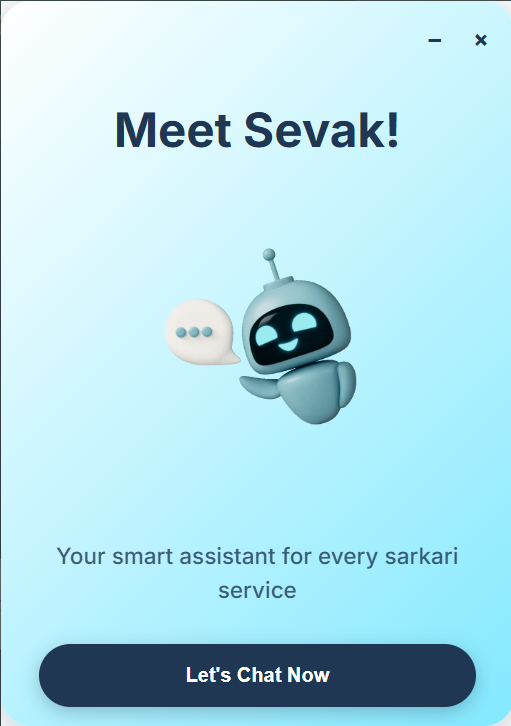

|
- Simplified Navigation: Helps users understand and follow complicated government processes.
- Document Checklist: Automatically shows what documents are required for a specific service.
- Fee Estimation: Tells you how much the service costs, including any hidden or optional fees.
- AI-Powered Assistance: Uses Generative AI to answer your questions in simple language.
- Sevak understands exactly which website you're on, so its advice is specific to what you're trying to do.
- Install the Extension from the Chrome Web Store.
- Visit a Supported Government Website (e.g., passport, income tax, etc.).
- Click on Sevak to get: A step-by-step breakdown of the process. FAQs, eligibility, fees, and document info. Personalized suggestions based on your inputs.
- Clone this repo.
- Add LLM API - Together AI, Tavily AI
- Run -
cd SevakExtentionandnpm install - Add Dot ENV files with two API Key-
TAVILY_API_KEYTOGETHER_API_KEY - Go to chrome://extensions/
- Enable Developer Mode.
- Click Load unpacked.
- Select the sevak-extension folder.
Let me know if you'd like this to include badges, a logo, or a GIF demo.