- 🌟 Interactive User Interface: Designed using Vue.js for a smooth and engaging user experience.
- 💬 Instant Messaging Support: Allows real-time sending and receiving of messages.
- 🔐 Identity Verification: Uses Django REST Framework SimpleJWT for secure login and identity verification.
- 👤 User Management: Enables account creation and management of user profiles.
- 🛎️ Notifications: Users receive notifications for new messages.
- 🎨 Interface Customization: Tailwind and PrimeVue libraries used for customizable design and user experience.
- 📱 PWA Support: Installable as a Progressive Web App (PWA) on mobile devices.
- 🔍 Search Capability: Easily search conversations or users.
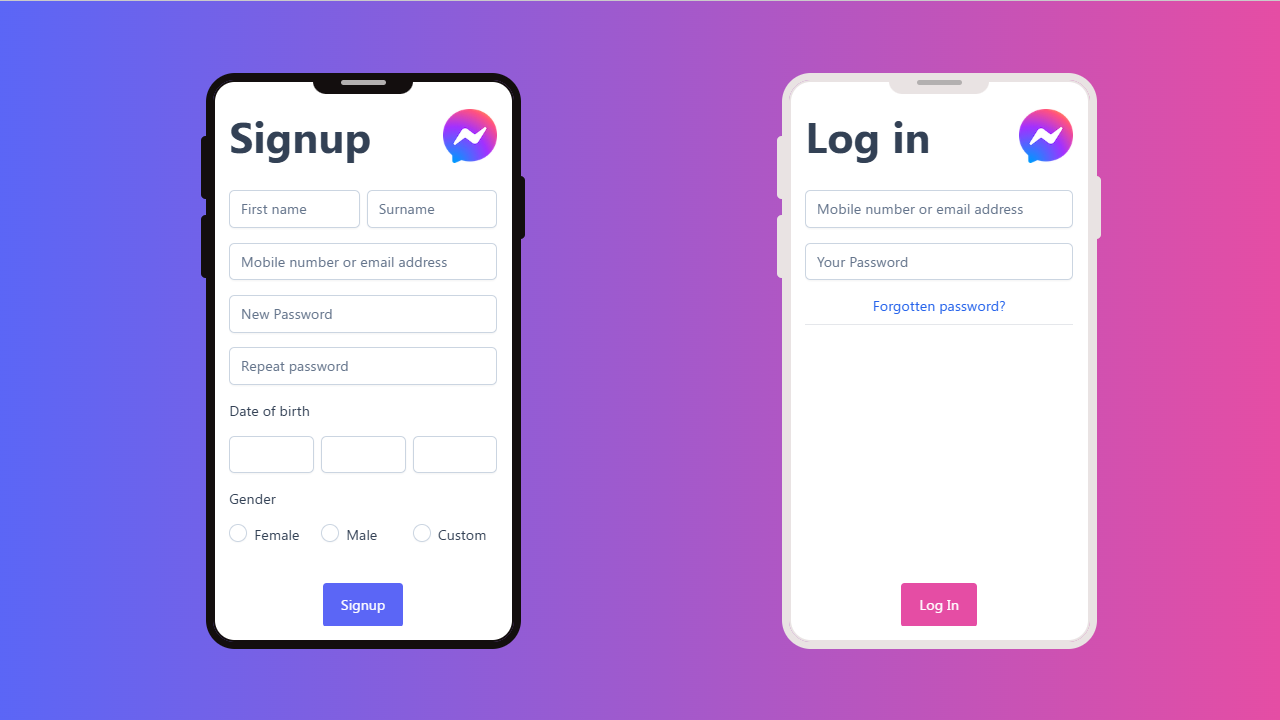
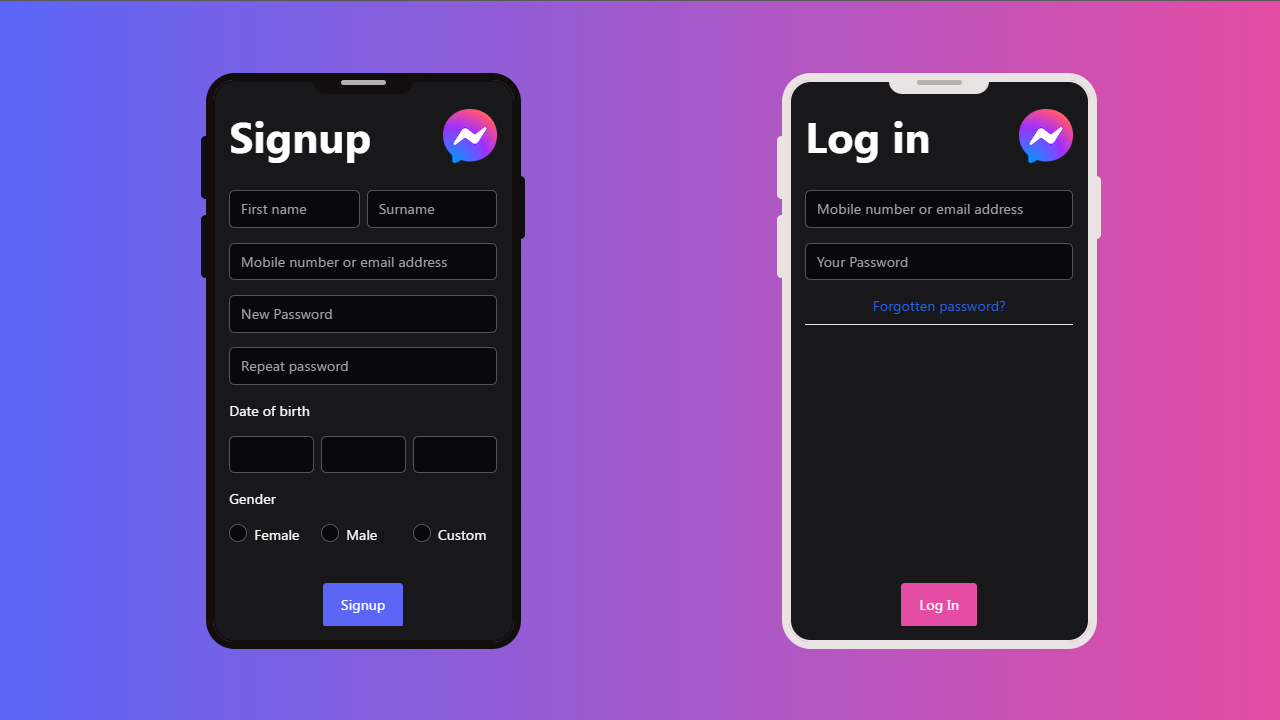
- Vue
- Html
- Css
- Javascript
-
- 1️⃣ Tailwind
-
- 2️⃣ PrimeVue
-
- 3️⃣ scss
-
- 4️⃣ Axios
-
- 5️⃣ Fontawesome
-
- 6️⃣ Pwa
-
- 7️⃣ Prism
-
- 8️⃣ Swiper
- Django
-
- 🌐 Django Rest Framework
-
- 🔒 Django Rest Framework Simplejwt 🛡️
-
- 🌍 Django Cors Headers 🔗
-
- 🖼️ pillow 📷
- Name Demo
Link Demo
- 🚀 Activate Virtual Environment 🔋
messenger_virtual_environment\Scripts\activate- Go To
cd messenger_django- Modifications To Models File
python manage.py makemigrations- Modifications To The Database
python manage.py migrate- Run Project
python manage.py runserver- Go To
cd messenger_vuenpm run devnpm run build- Go To
cd messenger_vuepressnpm run docs:dev.gitignore
node_modules/
git statusgit add *
git commit -m "Commit Explain Code"git push origin main