Starting with Meteor 1.3, we install React packages using npm.
meteor npm install react react-dom react-router --save
- Why are we using npm instead of a Meteor package?
- What is the react-dom package?
- "What is the --save option for?"
Routing is basically the ability to have multiple pages in your app, and to be able to display different content based on the URL in your browser.
Routing should likely be added very early on in your app development. One reason for this is that routing is very fundamental to an app's architecture, there are many aspects of your app that will be impacted by which route you currently are viewing. Think of routing as part of the core plumbing of your app. You don't to add it as early as possible, even if you initially only have only one page in your app. If not, you might find yourself having to undo work you've done previously. In our case, we will have to undo some of the tasks we did in the previous branch.
Even though we currently only will have a single page, we still want to add routing, because we know we'll have multiple pages eventually.
/imports/startup/client/main.html
<body>
  <div id="react-root"></div>
</body>
This will be our "render target" for React components.
/imports/components/layouts/app_layout.jsx
import React from 'react'

export const AppLayout = () =>
  <div id="app-container">
    <div id="main-content" className="container">
      React placeholder
    </div>
</div>- What is the '=>' thing?
- Isn't this just a plain JS function? Why are we not using React.createClass or React.Component?
- Why are we using 'className' rather than class?
Replace everything in the file /imports/startup/client/main.js with the following:
import React from 'react'
import ReactDOM from 'react-dom'
import { AppLayout } from '/imports/components/layouts/app_layout'

import './main.html'

Meteor.startup(() =>
	ReactDOM.render(<AppLayout />, document.getElementById("app"))
)
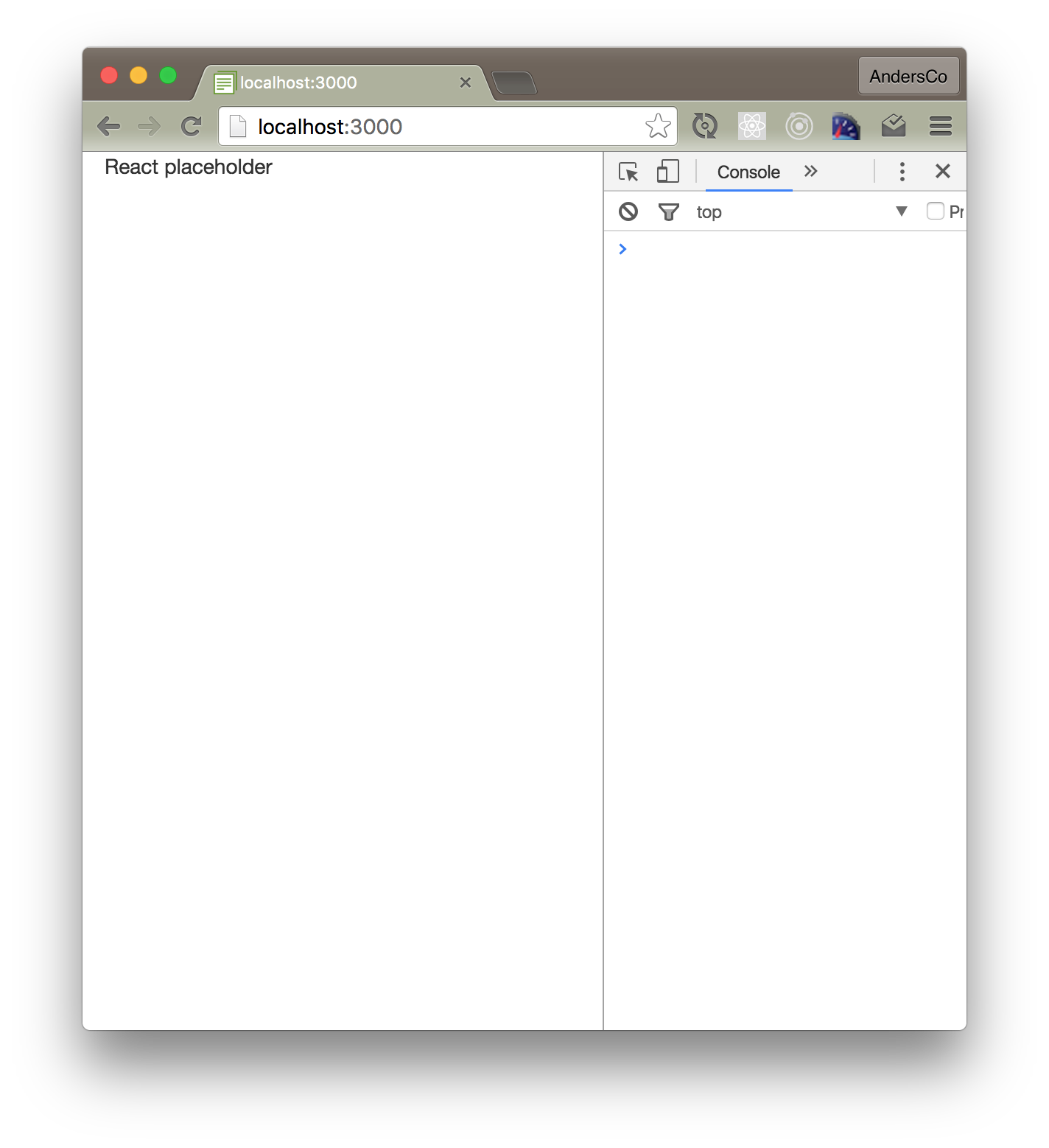
You should now see this in your browser: